Discussions
How to collaborate on discussions
Learn how to configure Virex for your project. Covers build settings, environment variables, and deployment options.
Comments on discussions
-
Click on the topic you want to comment on.
-
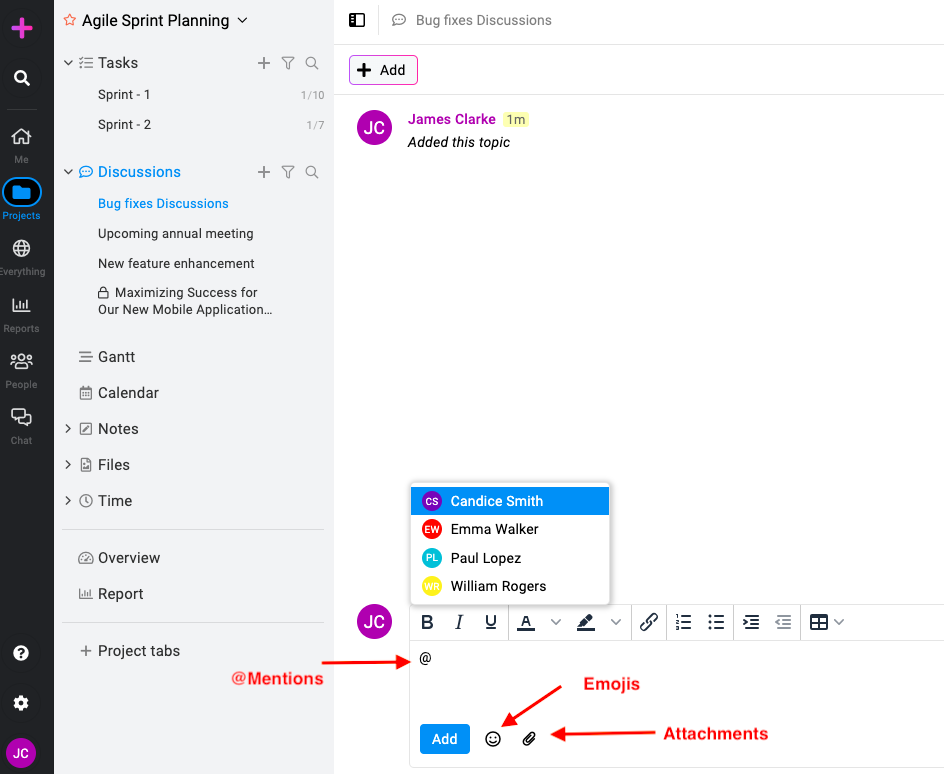
Write your comment, add emojis, or attach files & documents: Type your feedback or message in the comment box. Use the emoji icon to insert emojis into your comment. Click the attachment icon to upload and attach files.
-
@Mentions****: You can mention other people in your comments using the ‘@’ symbol followed by the name of the person. Email notifications will be sent out to the mentioned person.
-
After composing your comment, click the ‘Add’ button to post it.
Proof & approve topic files
-
Navigate to the topic containing the file you wish to proof & approve.
-
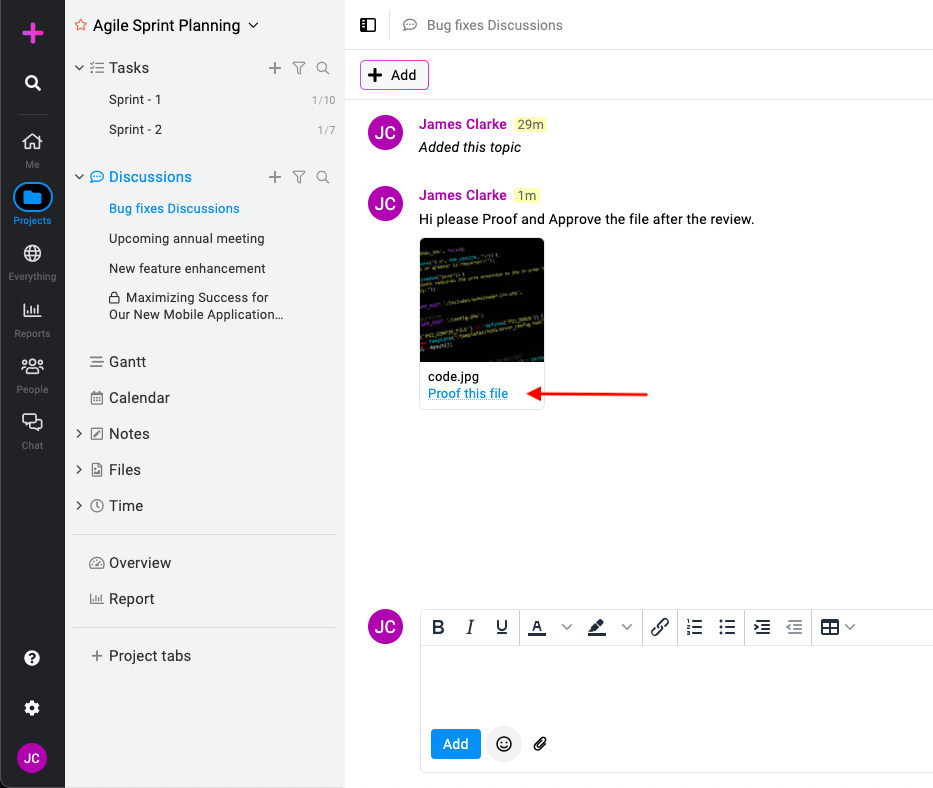
Find the file within the topic and select “Proof this file” to access the proofing window.
-
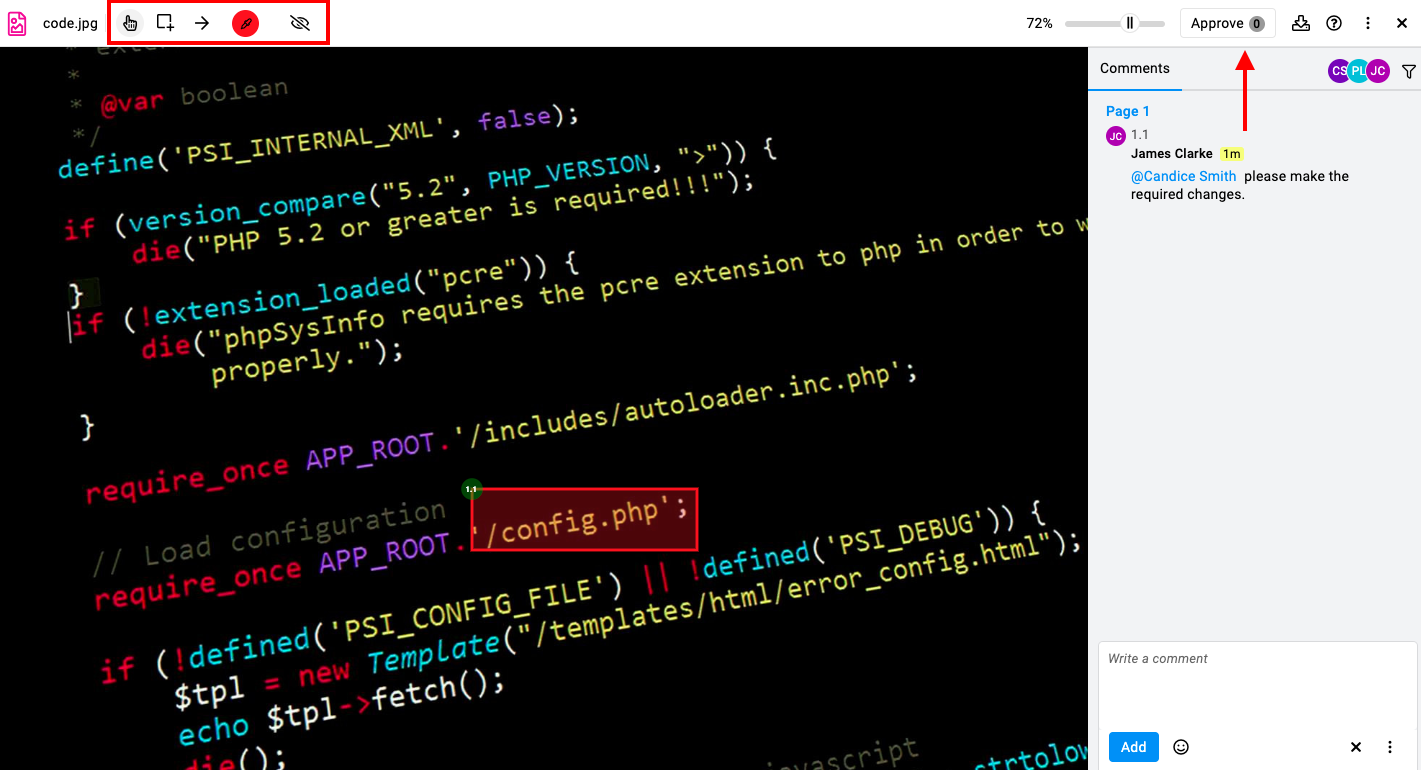
Approval process****: Within the proofing window, you can approve the file or utilize markup tools such as rectangular boxes or arrows to highlight areas for improvement in the file or img.
For more on proofing and approvals click here.