Others
Login
Learn how to configure Virex for your project. Covers build settings, environment variables, and deployment options.
To log in, you can either enter your company URL in the address bar of your browser or you can go to https://www.proofhub.com/login and enter your company URL. After this, you need to follow the below-mentioned steps:
-
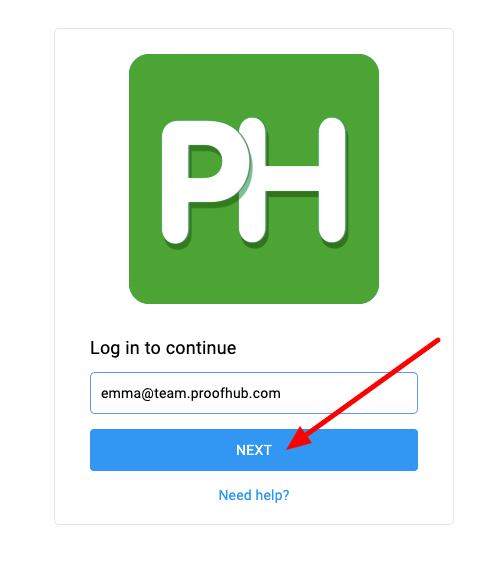
Enter your email address and click on Next.
-
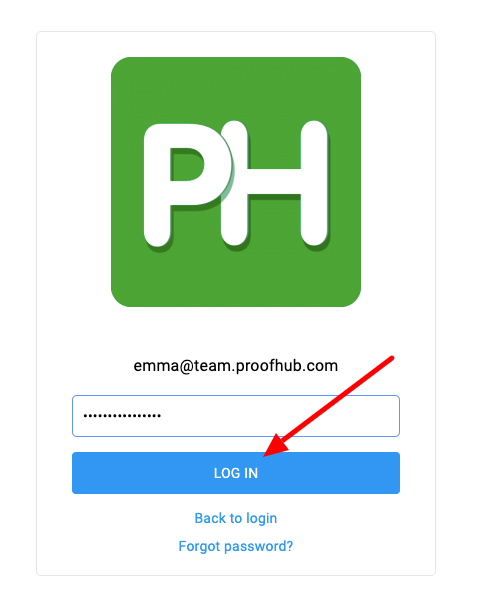
Enter your password and click on Log in.
Note:
To log in with a different email ID, click on “Back to login,” and you will be redirected to the screen where you initially entered your email ID.